- Click on the ticket subject
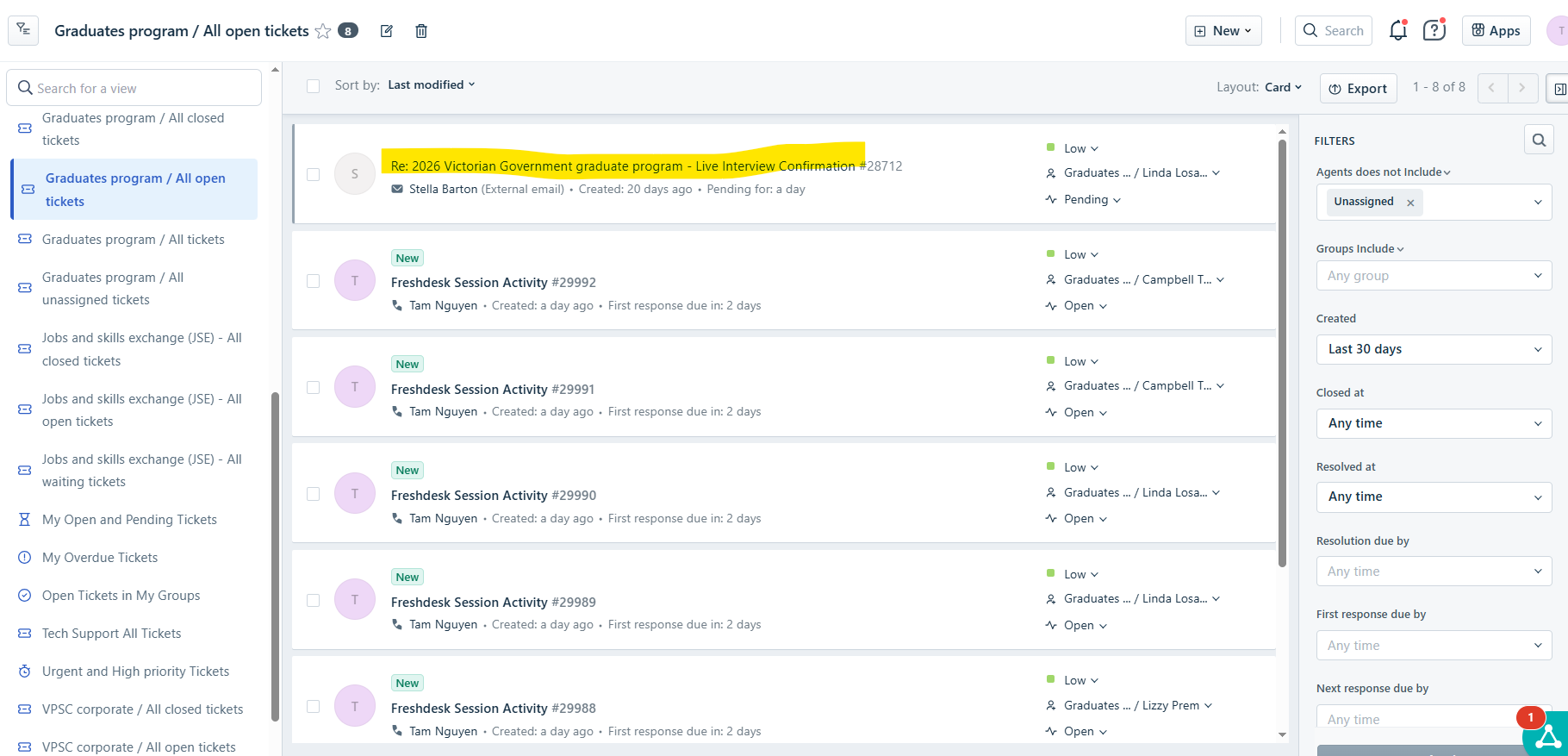
- Click on Reply located in the top menu bar.
- Use the editor toolbar at the bottom of the message to 'edit' or 'format' the message.
 | BOLD |
 | Italic |
 | Underline |
  | More Text option -> Text Colour; Text Background |
 | Numbered ordered List; Bullets |
 | Paragraph Formatting |
 | Clear Formatting |
 | Default to original font |
 | Access to Formatting Options (close and open editor) |
 | Attach Files |
 | Access to Canned Responses |
 | Access to Knowledge Articles - Solutions |
- Check:
- TO: Correct recipient
- CC:
- BCC:
Message content:
- Click on the three dots at the bottom of the message

- This shows the entire message. Edit what is necessary.
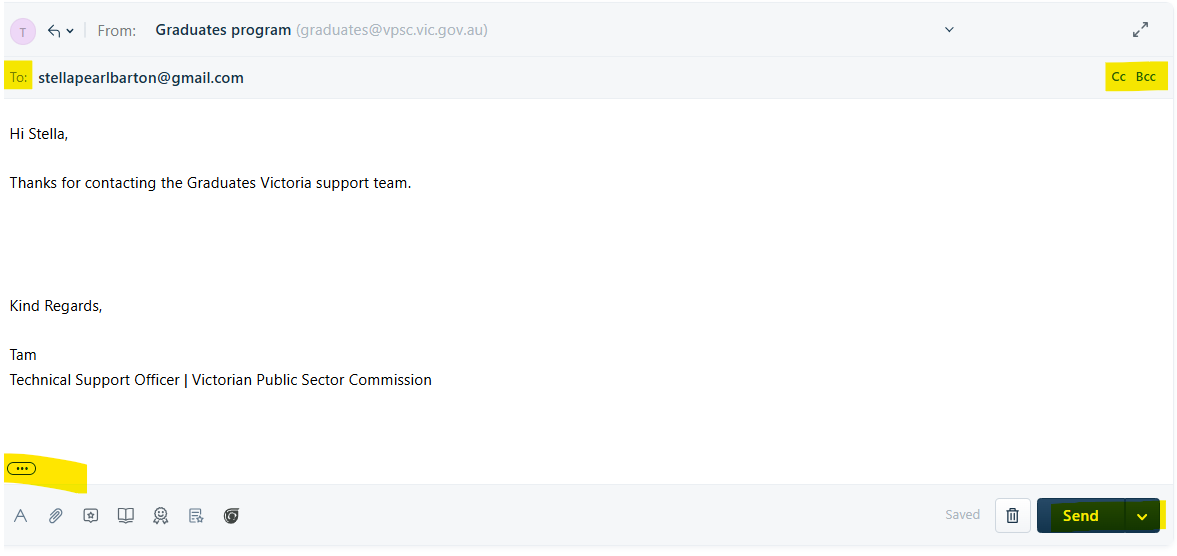
- Click SEND when ready to send message.
Was this article helpful?
That’s Great!
Thank you for your feedback
Sorry! We couldn't be helpful
Thank you for your feedback
Feedback sent
We appreciate your effort and will try to fix the article