- Click on the Ticket ICON on the left hand side menu
- Go to the Default section towards the bottom and select 'All tickets'.
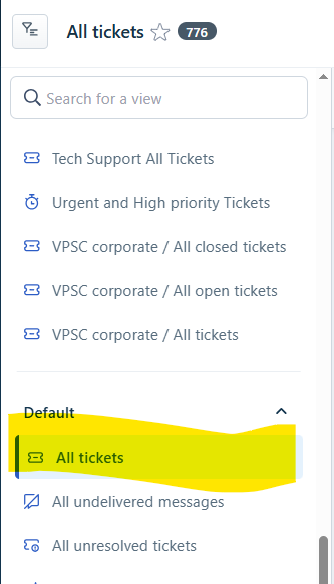
- Apply Filters for the view you would like.
- Click on APPLY at the bottom
- The results of your filtered search will appear.
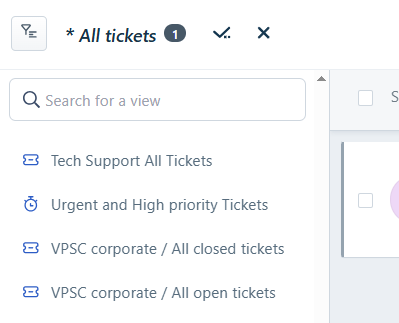
- At the top left hand corner, there will be a tick and a cross.
- The tick is to save the view as.
- The cross is discard the filters you had applied to the view.
- To save click on the tick.
- Select the 'Just me' radio choice button
- Enter the chosen name of the view.
- Click Save
- Under the Personal section of views, the new personal custom ticket view will appear.
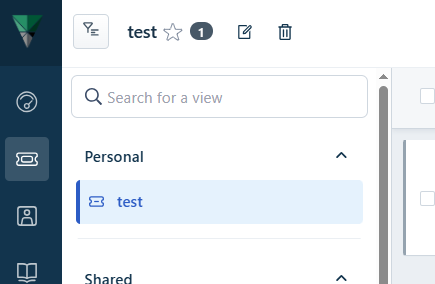
- To delete, simply ensure the view is selected and click on the Bin icon.
Was this article helpful?
That’s Great!
Thank you for your feedback
Sorry! We couldn't be helpful
Thank you for your feedback
Feedback sent
We appreciate your effort and will try to fix the article